
The Granville County Court Calendar
There is no single static docket list for Granville County. Instead, the county offers a few routes. The official county court page posts separate Civil Calendars and Criminal Calendars. The statewide eCourts Portal runs the live Search Hearings tool. Superior and District Court cases in Granville County share one Clerk of Superior Court, though each case type gets scheduled its own way.
For any Granville County hearing, pull the public Case Summary first. It holds Case Events and any earlier settings. Search Hearings then gives you the current courtroom and time. The posted local calendar adds session context. Do not rely on one source alone. That is how people miss a continuance or a reset. They show up for a hearing that no longer exists.
Granville Civil and Criminal Calendar Links
Start with the Granville local administrative schedules page. It is the county's own route to its civil and criminal calendar material. It works well for checking a posted session or a local scheduling document. It does not replace a live Portal hearing result. A Granville County case may have been continued or given a new setting. The official scheduling page lays out the local calendar starting point.
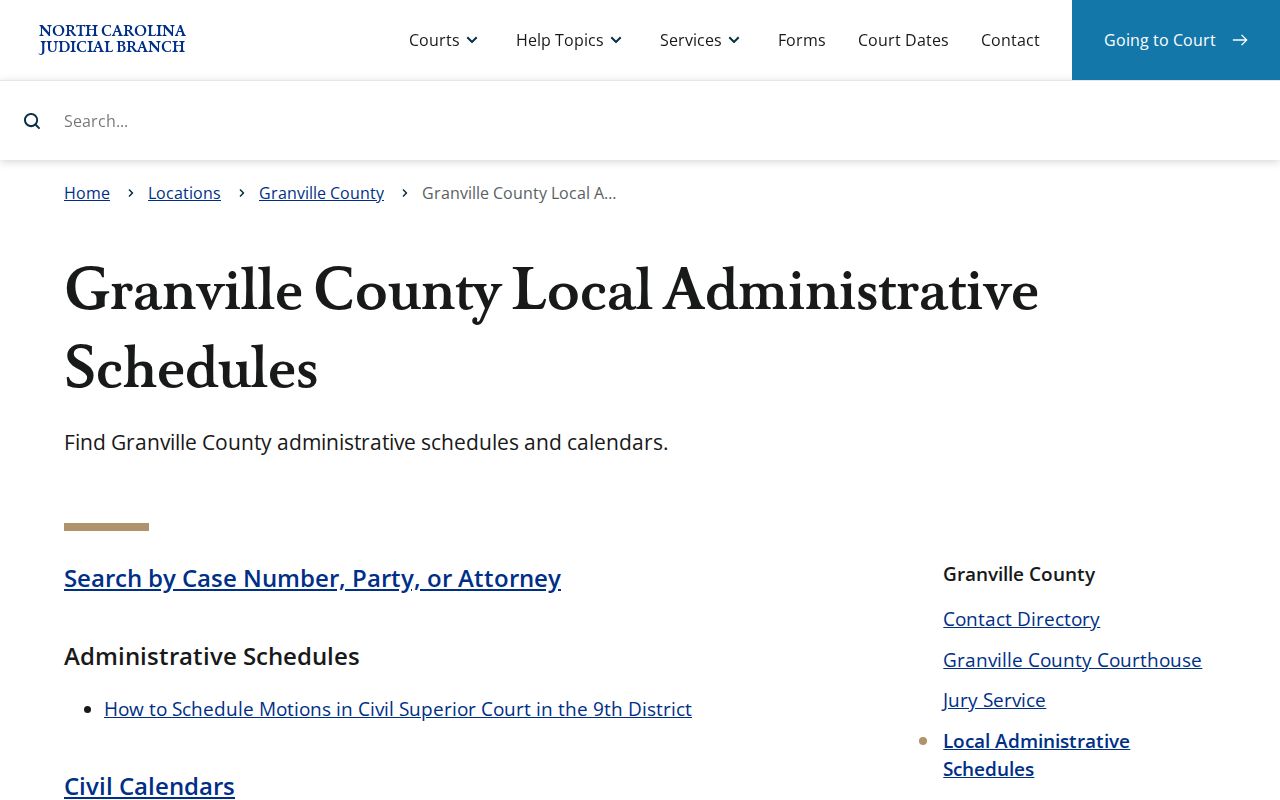
A Granville County court date matters. Pair the calendar posting with Portal Search Hearings and the Case Summary. Do not trust an old notice alone.
Granville County publishes no universal video-hearing link. For the actual location and time, use the published setting, the Portal result, or confirmation from the clerk.
Note: Granville County civil and criminal calendar links supply session context. Granville County Search Hearings gives the live case setting.
How to Find Your Court Date
Use more than one channel for a Granville County court date. Portal Search Hearings is the live statewide route. You can search by case number, party or business name, attorney name or bar number, judicial officer, or courtroom. Smart Search adds the Case Summary. It also shows the full event history. The Granville County civil and criminal calendars then supply local session context. An online result can stay unclear. Then fall back on the clerk, public terminals, and the official court phone lines.
- Open Portal Search Hearings and use the Granville County case number, citation route, party, business, attorney, judicial officer, or courtroom criterion that is available.
- Confirm Granville County and read the current hearing location and time, then open Smart Search for the related Case Summary and earlier Case Events.
- Check the county’s posted Civil Calendars or Criminal Calendars when the setting belongs to a listed session or calendar.
- Call the Clerk of Superior Court at 919-690-4800 if Portal and a notice conflict, or ask for the Civil District Court Clerk for a civil District Court motion.
- Use the Granville County clerk counter and public terminal for an in-person official-file fallback. The Superior Court judges’ Oxford office is listed at 919-690-4881 and District Court judges at 919-693-5193 for court-contact confirmation routes.
For a Granville County traffic ticket, the citation itself comes first. It records the charging county, the court date, and any waiver information. Eligible to pay does not mean excused from appearing. Read the citation together with the Portal and the clerk or magistrate channel before relying on it.
The eCourts public-access kiosk guide explains the kiosks too. Those clerk-office machines in Granville County offer Portal and record functions.
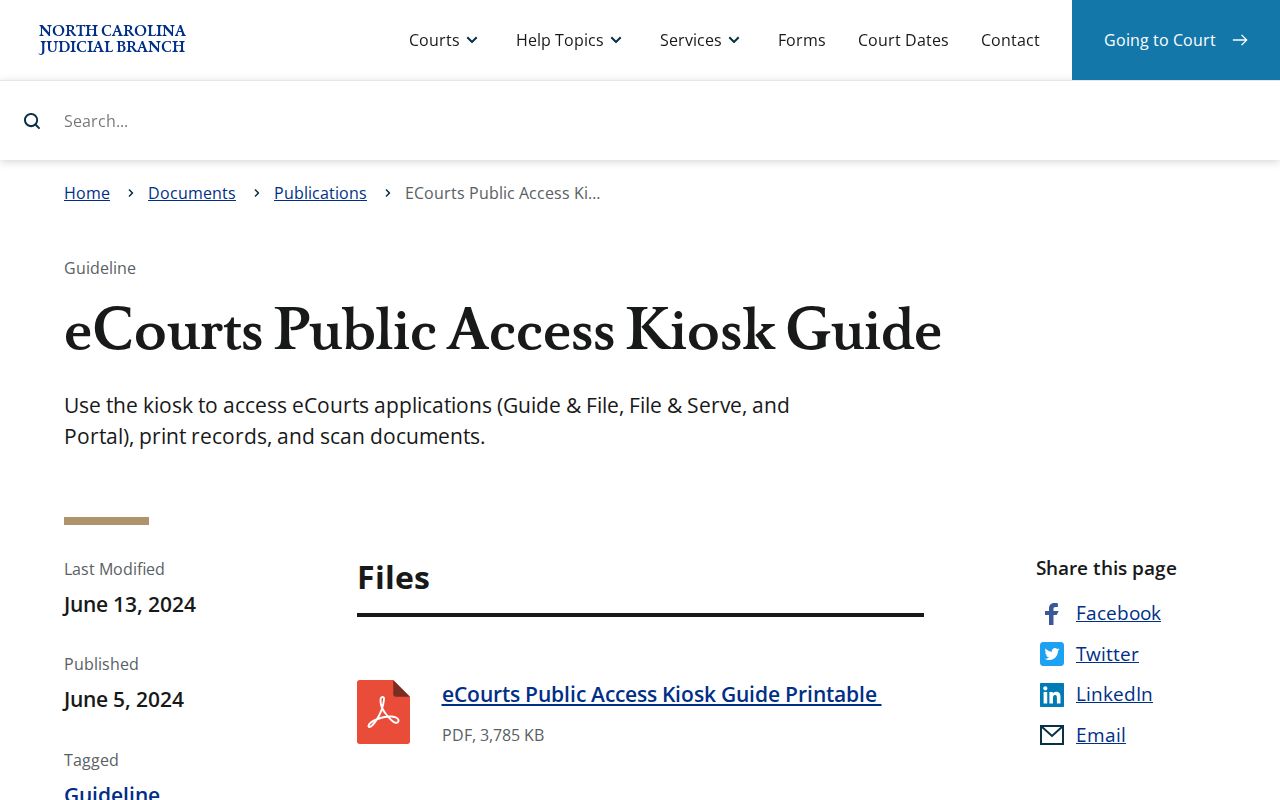
The kiosk is an in-person fallback for public court research in Granville County. It does not promise that every restricted case or document will appear on screen.
Note: Granville County Portal, calendar, clerk, and terminal channels work together when a court date needs confirming.
Granville Court Hearing Search Fields
Search Hearings and Smart Search answer two different Granville County questions. Search Hearings hunts the live setting. Search by case number, party, business, attorney, bar number, judicial officer, or courtroom. Smart Search opens the Case Summary. Assignment information, Case Events, hearings, dispositions, and financial information may appear there. Running both tools separates the current Granville County time and place from the historical record.
- Case Event
- A Granville County dated entry showing case progress, such as a filing, order, setting, or other recorded action.
- Hearing
- A Granville County scheduled court appearance whose current location and time can be searched in Portal.
- Continuance
- A Granville County postponement of a scheduled matter, usually followed by an event or later hearing result.
- Assignment information
- Granville County case information that connects a matter to a court or judicial assignment.
Portal guidance sets no universal Granville County courtroom-number display or fixed calendar-column order. Treat the current Portal result as the source for whatever live setting details it shows on that case.
A missing column means nothing on its own.
Reading a Court Setting
Read a Granville County court setting as a current appointment, not a case outcome. The Portal model supports the hearing location and time plus case-linked context. Courtroom, judge, and case style may all appear. Party names and hearing type may appear too. That depends on case configuration and security. So a public display is not a fixed statewide column layout. What you see is what that case permits.
| Date | The scheduled Granville County calendar date shown in the current hearing result or posted calendar. |
|---|---|
| Time | The listed Granville County setting time; confirm it when an old event shows a different time. |
| Location | The current Granville County hearing location returned by Portal, subject to the case’s public display. |
| Judicial officer or courtroom | Granville County search context supported by Portal, not a field guaranteed on every result. |
| Setting type | Possible Granville County context such as arraignment, pretrial, motion hearing, civil administrative session, or trial session. |
Note: A Granville County court setting can move after a continuance. Trust the current hearing result, not a past Case Event on its own.
Granville Civil Motion Settings
Granville County civil-superior motions follow a local rule. The District 9 document spells out the pattern for these and other non-jury matters. Motions are normally heard at 10:00 a.m. on the session's first day. The alternate day applies when Monday is a holiday. The original notice or motion is filed with the proper county clerk. From there, the notice and the estimated hearing time go to the trial court coordinator.
Civil District Court motions take a different route. For those, the published instruction is to call the Granville County clerk. Ask for the Civil District Court Clerk. This covers the civil-superior motion calendar only. It never replaces a personal setting notice. Note: Granville County civil-superior motion timing is local scheduling context. Case participants should verify the actual setting before relying on it.
Resets, Continuances, and Cancellations
A Granville County continuance means the matter moved. The Case Summary should show it as a related Case Event. Search Hearings may then display the new current setting once one has been calendared. A result dropping off an older calendar proves nothing. It does not mean the case ended, and it does not excuse an appearance.
What if the online result conflicts with your notice? Compare the Granville County Case Summary event history with Search Hearings first. Next, check the civil or criminal calendar that fits the case. Does the conflict remain? Call the clerk. And for a civil-superior motion, never assume that an email or fax of scheduling material sets the hearing by itself.
Granville Calendar Add-On Timing
Granville County posts its civil-superior calendars on a schedule. Motion and trial calendars post 30 days before a session. Suppose the original calendar was already posted. An add-on calendar is then updated 5 to 10 days before the session. That gap matters. An earlier calendar copy may not show the final list of added matters.
A public setting still needs current confirmation. Treat the add-on calendar as context only. Then check Portal Search Hearings and the Case Summary. Do this before assuming anything about a Granville County case. A case missing from an earlier posting is not proof it stayed unchanged.
Granville Calendar Time Caution
eCourts arrived in Granville County on April 29, 2024. The Portal guidance carries one warning about conversions. Case Events from before an Odyssey conversion can display a time of 12:00 AM afterward. That hour may be a data-conversion time rather than the actual historical hour of a Granville County hearing. It should never override the live Portal hearing result, a current calendar, or clerk confirmation.
Older Granville County files can also need clerk review. Sometimes a converted Portal event leaves the setting unclear. The clerk-held file is then the right path. Do not draw an assumption from an odd Portal timestamp. Note: an older-file question may need Granville County clerk review when the converted Portal event does not resolve the setting.
What To Do If You Miss a Setting
Missed a Granville County court setting? Contact the Clerk of Superior Court promptly. Then verify the case status through Portal Search Hearings and the Case Summary. A clerk can confirm the official file channel. A clerk cannot give legal advice. If the case has counsel, the case participant should also use the appropriate case-contact route to address the missed or upcoming Granville County setting.
Missed a Granville County setting? For a traffic matter, state guidance says a case may be marked called and failed when a person does not appear.
Use the citation, Portal, and the Granville County clerk or magistrate promptly because payment eligibility does not establish that a required appearance has been resolved.
The official Granville County payment information page names the clerk cashier and magistrate channels for local traffic payment matters.
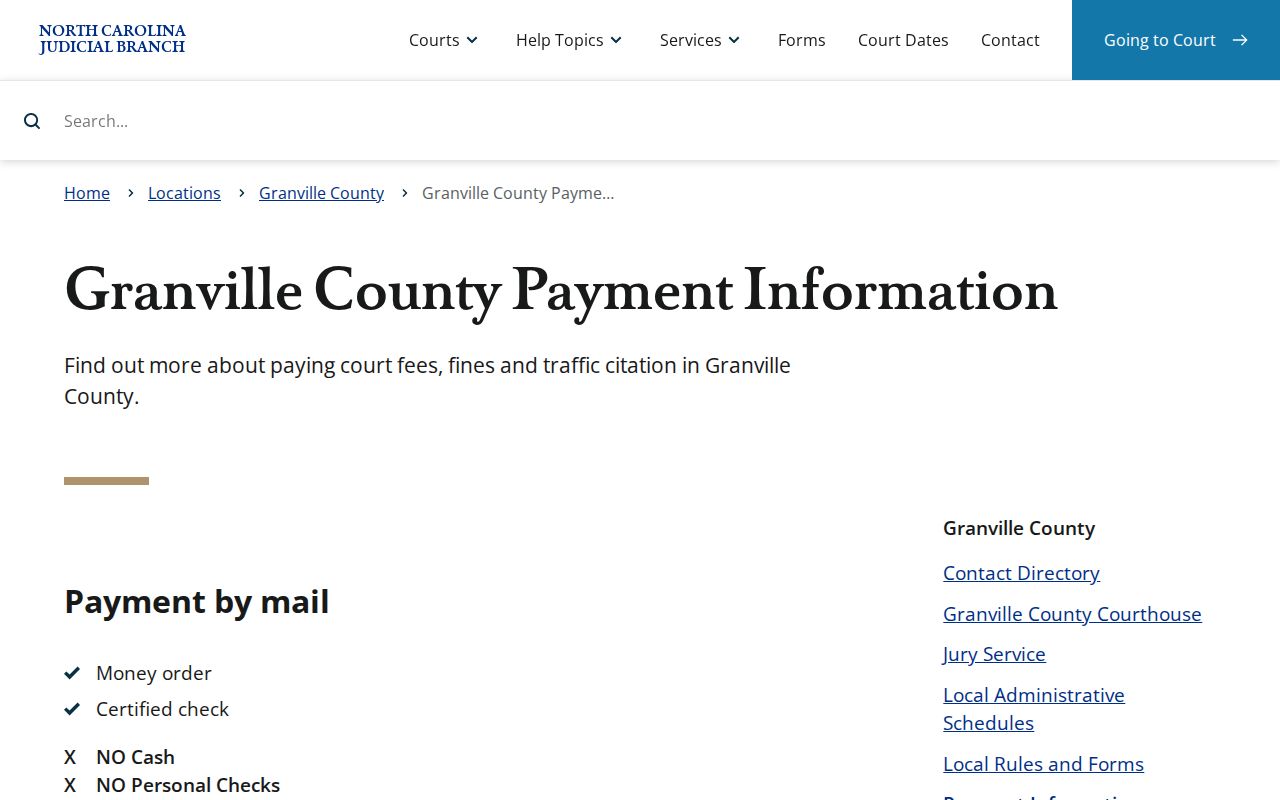
The payment route can support a Granville County traffic matter where allowed. It never replaces a current court-date confirmation. Jury service has its own page. The official Granville County jury-service page is another local court-calendar source.
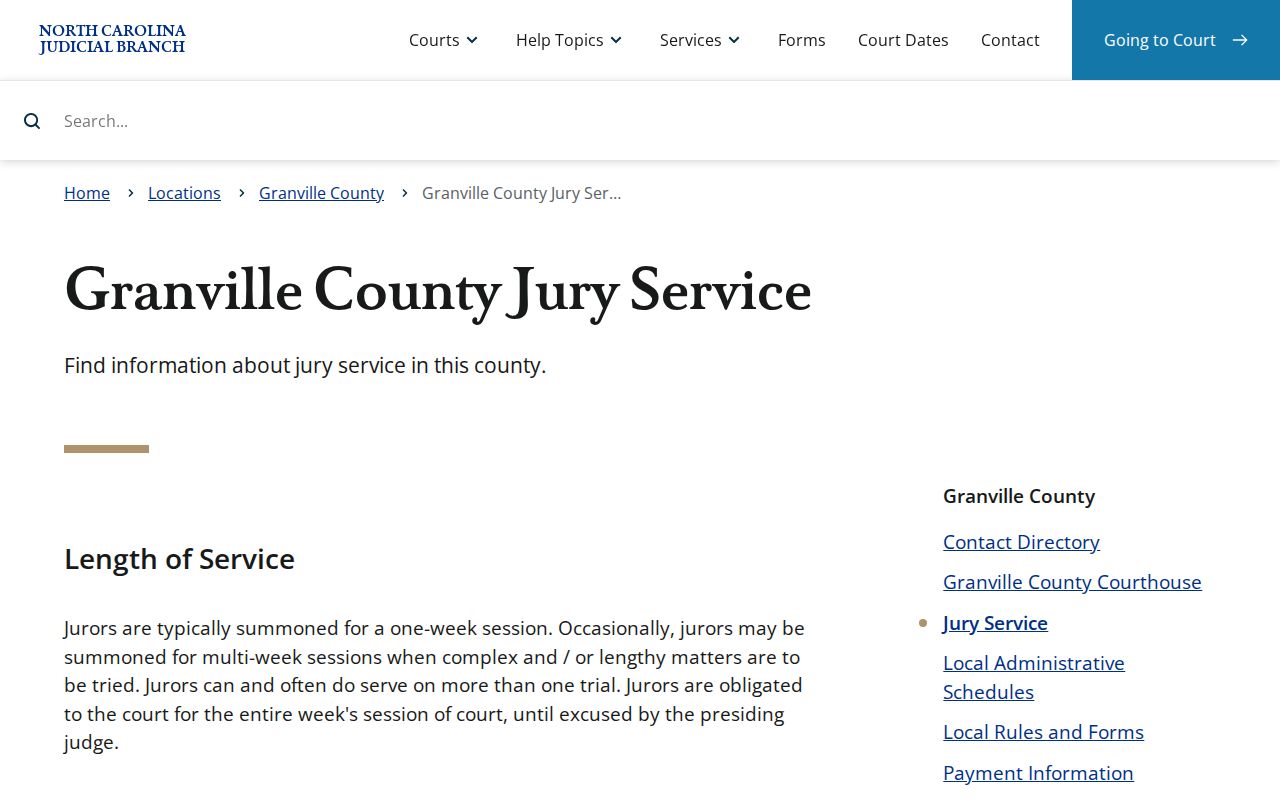
A jury summons is not a case hearing. For any case-specific Granville County setting, use Portal Search Hearings or ask the clerk.