
Searching Granville County Cases by Name
Granville County does not run its own case site. Instead, it uses the statewide North Carolina eCourts Portal, known simply as Portal. Open Smart Search and type a party name or case number. No account is needed for public searching. When a name could match cases across several counties, apply the location filter. That narrows things to Granville County. From there, party criteria, case type, case status, and filing-date filters trim a long results list. Registering only buys you the ability to save public cases under My Cases. It grants no access to restricted files.
- Open Portal and choose Smart Search.
- Enter a party name, then add a Granville County location filter if the result is broad.
- Use case type, status, filing-date, or party criteria only when the known facts support a narrower search.
- Open a public result to read its Case Summary and chronological Register of Actions.
The official Portal training materials walk through the documented controls. They do not require any special last-name-first format. You must supply a search value, and the remaining filters are optional.
| Portal field | Type | Required | Granville use |
|---|---|---|---|
| Case Number or Party Name | Search mode and text | One value | Default Smart Search entry. |
| Location | Expandable selector | No | Use it to limit a statewide result list to Granville County. |
| Party criteria | Expandable filters | No | Name and date-of-birth filtering are documented. |
| Case criteria | Expandable filters | No | Case type, status, and filing-date range are available filters. |
Granville County Portal Search Filters
Smart Search goes well beyond an exact personal-name lookup. The official workflow recognizes party-name, business-name, nickname, case-type, case-status, and filing-date criteria. For a business, select the business-name search type first. Skipping that step can hide the records you want. A company name typed into a party-name search may land in the wrong category. Advanced case categories include Civil Actions, nonconfidential Special Proceedings, Estates, and Criminal Actions.
Wildcards widen a search without making it a guess. Portal training allows an asterisk after minimum character counts. Those are at least four case-number characters, three last-name characters, one first-name character, or four business or nickname characters. Only use a partial value when you know most of the spelling. A sound query can still come back empty. The miss may point to a different county, a citation or case number, or the clerk fallback covered below.
The official Portal training resource publishes these filters and wildcard rules.
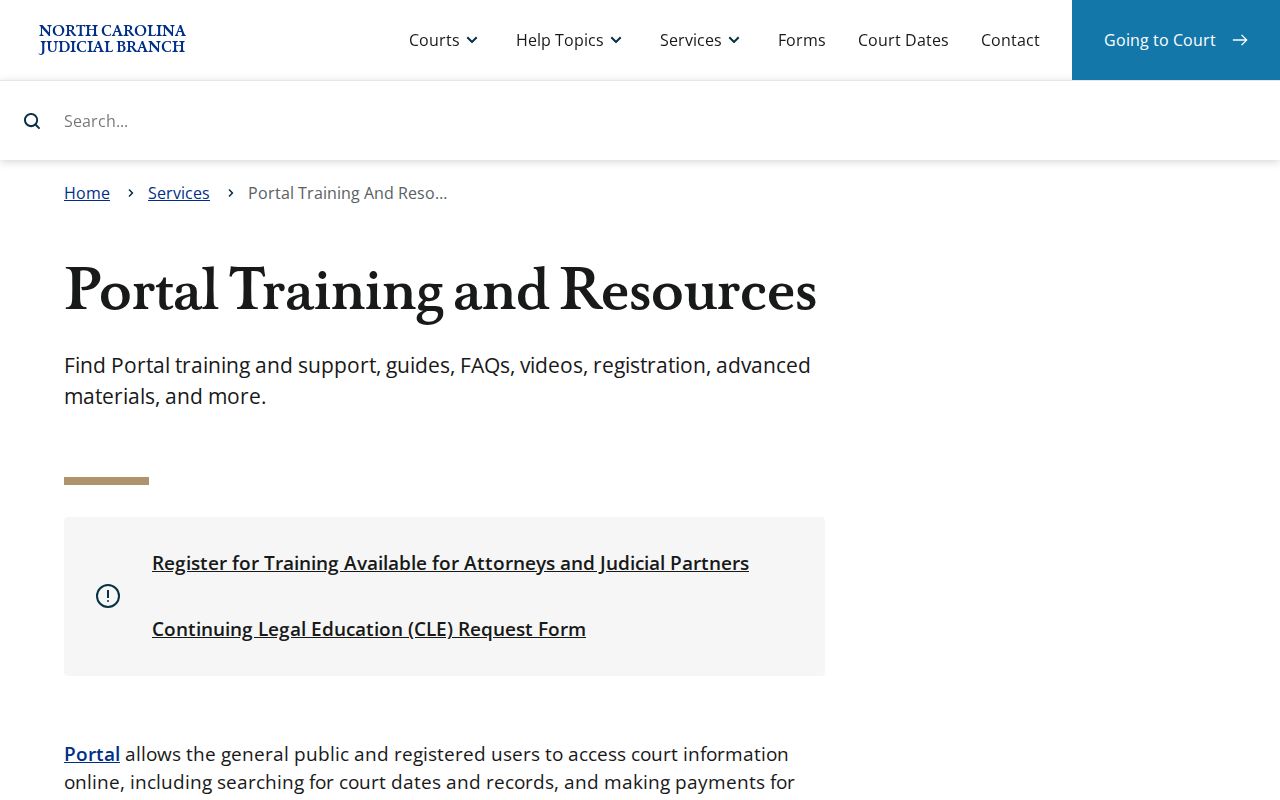
These controls make the statewide Portal workable for a focused Granville County case search. They do not promise that every case is public.
Searching by Case Number
When you have a case number, start there. North Carolina Enterprise Justice numbers carry four parts. The parts are a two-digit year, letters for the case type, a six-digit sequence, and a three-digit county identifier. The training example 21CR000003-910 shows only the structure. It is not a Granville example, so never guess a Granville County suffix. Type the actual number from a court notice, citation, or clerk record into Smart Search.
Case numbers work in Smart Search and in Search Hearings. A number can reach the Case Summary, which holds the fuller history. Search Hearings exists to find the current setting. One quirk involves a converted event from before Granville's eCourts launch. It may display a 12:00 AM time. The Portal FAQs explain that this timestamp comes from conversion, not from a midnight court event.
Granville County Case Hearing Search
Where or when is a Granville County case set? Portal's Search Hearings answers that question. It scans current calendars several ways. You can search by case number, party name, business name, attorney name, attorney bar number, judicial officer, or courtroom. A hit gives you location and time. Pair it with the Case Summary. The Register of Actions carries event and disposition context a calendar result alone may lack.
Granville County also posts separate civil and criminal calendar routes through its local administrative schedules. Suppose an online date clashes with a notice or reads unclearly. The official confirmation chain runs Portal first. Then comes the published calendar, then the Clerk of Superior Court. When an online result falls short, go in person. The clerk's public terminals and the courthouse file are the in-person path.
The Granville County court page names Portal and the local calendar routes. The Remote Public Access Program is a separate statewide channel.
Remote Public Access is a licensed statewide data program on its own track. It is not the normal public Portal route for checking one Granville County case.
What a Granville County Case Search Returns
A public Portal result opens a Case Summary, also called a Register of Actions. Official materials list several fields. Those cover case information, assignment information, party information, Case Events, hearings, dispositions, and financial information when applicable. Civil, family, probate, and mental-health matters may add causes of action. Labels and availability shift with the case and its security settings. So treat no result as a promise. Not every field or document will show up.
| Case information | Case number, type, status, filing information, and assignment information. |
|---|---|
| Party information | Identifies people, businesses, government entities, or other case parties. |
| Case Events | The chronological record of filings, hearings, orders, settings, and other progress. |
| Hearings | Case-linked setting information, with current location and time found through Search Hearings. |
| Disposition and finances | Resolution and financial categories when they apply to that case. |
Publicly available documents may appear in the results. Even so, case security and document security can withhold them while a Case Summary stays visible.
Granville County Case Summary Limits
The Portal is handy, but it is not the official court record. The Granville County Clerk of Superior Court holds the actual file. Need a certified copy or the signed order itself? That comes from the clerk, not from a printout. Printing a Portal page does not certify it. That holds even when the page names the right event.
Pull what you can from the Case Summary first. It usually shows the case number, party names, an event date, and a document title. Then take the deeper question to the clerk. The state's court-records instructions put file viewing at the clerk's office in the county where the case sits. Public self-service terminals are available there too.
The RPA Online Access information covers a separate licensed real-time data service.
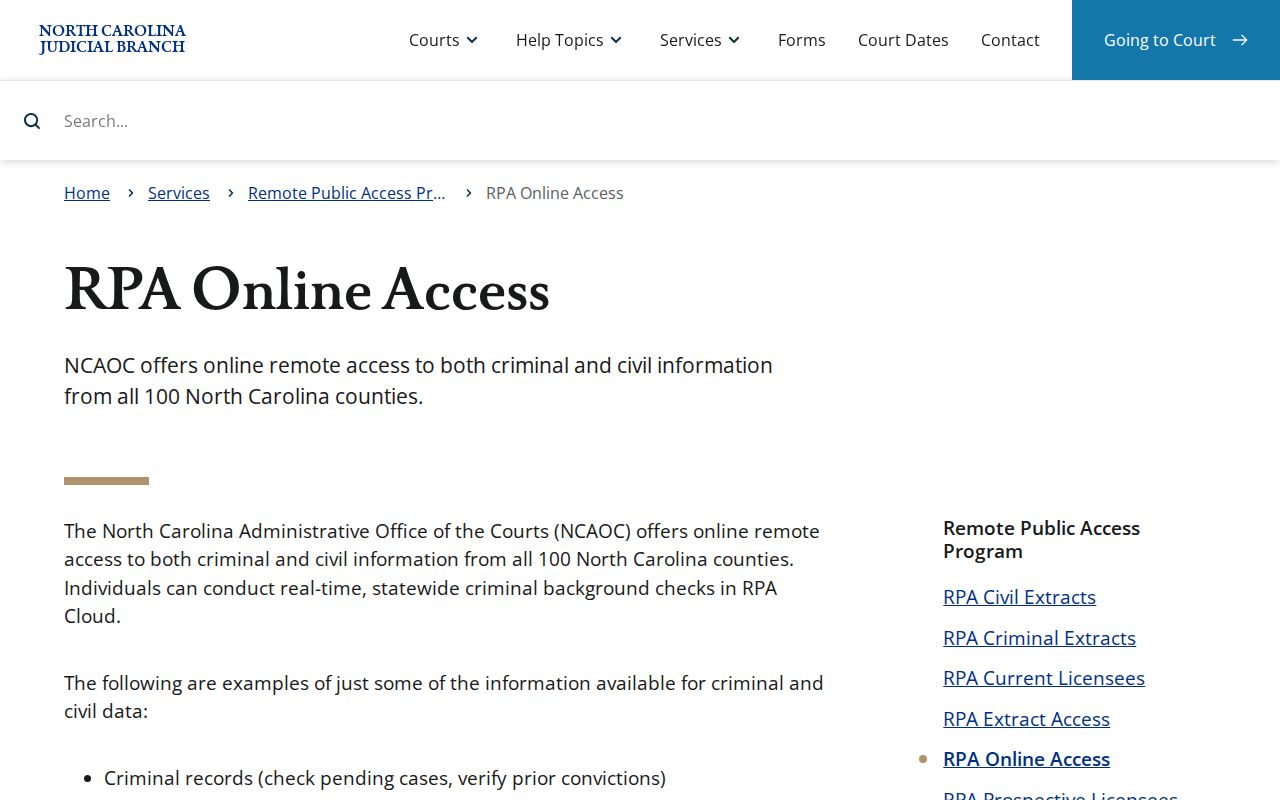
So for a routine public Granville County case lookup, two routes stand up: the Portal Case Summary and the clerk.
Statewide vs County Case Search
Granville County has no docket portal of its own. Portal runs statewide across eCourts counties, Granville included. A location filter narrows results to this county. The Granville Clerk stays the official county channel for file questions. NC Judgment Search lives inside Portal as well. It serves up judgment-index details, not a full history. It points you back to Smart Search for that.
| Portal statewide layer | Granville County official-file layer |
|---|---|
| Searches public eCourts information across participating counties. | Holds the Granville case file, copies, inspection, and certification. |
| Use a location filter for a Granville-focused name search. | Use the case number and document details for file-specific questions. |
| Shows the public Case Summary and available documents. | Supplies the official record when a certified copy or file review is needed. |
Granville County Case Search Fallback
Smart Search coming up empty does not end the hunt. Check the filing county first. Try the actual record or citation number. Loosen a filter that may be too narrow. Use a permitted wildcard when enough of a name or number is known. When the real question is a court date, turn to Search Hearings and the Granville civil or criminal calendar. Do not read a blank result as an answer.
The last public fallback is the Granville Clerk at 919-690-4800. State guidance lets the public use clerk-office terminals. The Granville file is viewed at the clerk office where it sits. Some cases are absent by law, such as sealed, expunged, or juvenile matters. The clerk can answer file-specific questions but cannot unlock restricted material.
Granville County and Federal Case Search
Granville County Superior and District Court cases live in Portal and with the Granville Clerk. Federal court and bankruptcy are different systems. Those dockets run through PACER and CM/ECF, not the North Carolina Case Summary. The Eastern District of North Carolina Bankruptcy Court lists its case-information channels separately. The free RECAP collection only partly covers federal dockets.
The Eastern District court information confirms the distinct federal filing and case-information system.
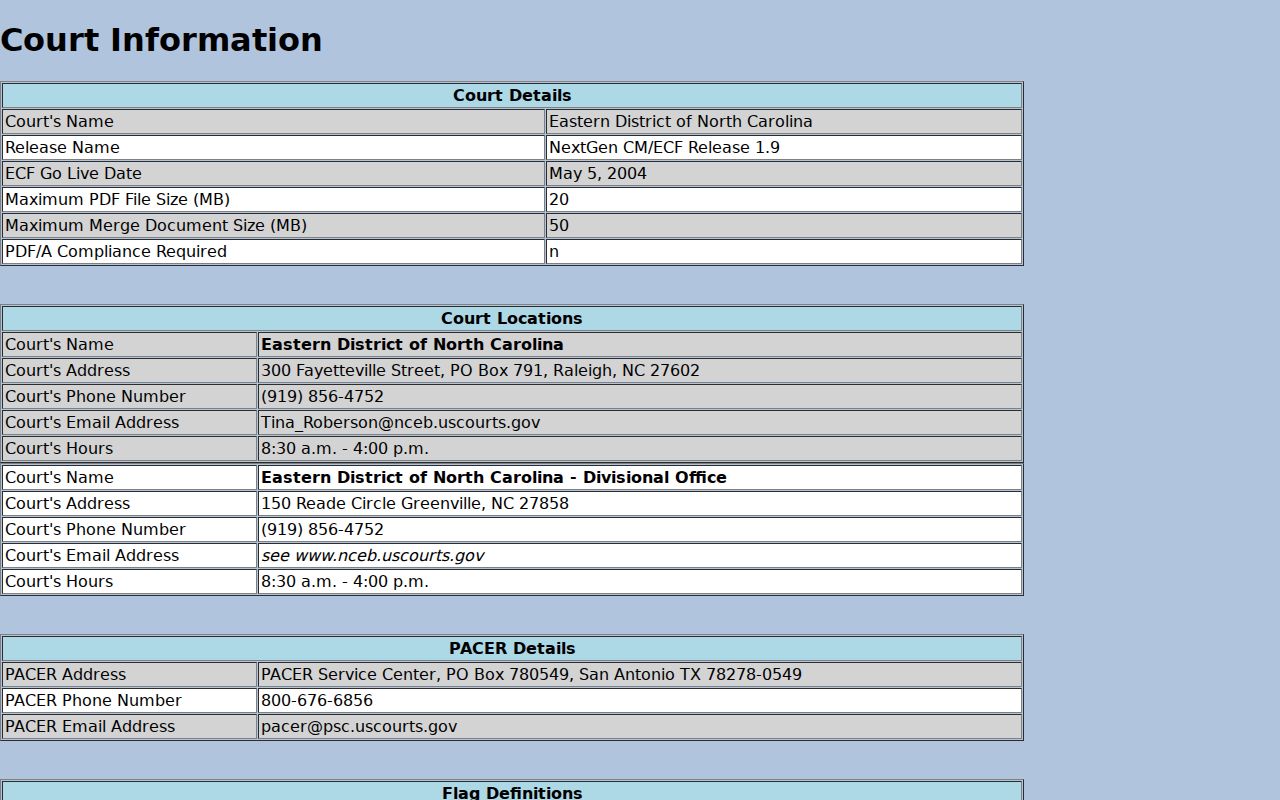
Keeping that split clear stops a Granville County case search from going to the wrong court system.
Access and Restricted Cases
Public access has limits. Juvenile, sealed, expunged, and other restricted records may not surface in a Granville County case search. What Portal shows turns on public availability, case security, document security, statutes, and court orders. An account does not widen access. Attorneys and users with qualifying statutory authority can seek elevated access through File & Serve, though an attorney must be active counsel on the case to view restricted information the law allows.
A missing result can also mean an incomplete search, an older file, or the wrong county. Try the exact case or citation number. Drop an over-narrow filter. Use a permitted wildcard. If the record stays out of reach, call the Granville Clerk rather than assuming the worst from silence. G.S. 7A-109 generally opens clerk records to inspection during regular office hours unless law says otherwise.
The CourtListener RECAP collection is a separate federal resource with partial coverage.
That federal collection cannot replace Portal or the Granville Clerk for a North Carolina state case.
Note: Portal absence can reflect a lawful restriction, not a finding about the underlying Granville County case.