
Granville Civil Hearing Confirmation
A Granville County civil calendar answers a different question than a Case Summary does. It gives you local session context. For a current case location and time, Portal Search Hearings is the direct public tool. Smart Search then supplies the Granville County Case Summary. Related Case Events and earlier hearings there can explain why an older notice or calendar entry no longer matches the live setting.
Still unsure about a Granville County civil setting? Call the Clerk of Superior Court at 919-690-4800. For civil District Court motions, ask for the Civil District Court Clerk. A clerk confirmation is the right fallback when results conflict or go missing. It also helps with a file-specific question.
How to Search Civil Dockets
Every Granville County civil docket search runs through the official North Carolina eCourts Portal. Open Smart Search, enter a party name or case number, and narrow the public result with Granville County location context plus the Civil Actions category when it fits. No registration is needed for public access. Portal covers the whole state rather than serving as a separate Granville County civil site, so a location filter really earns its keep when common names repeat across counties.
- Open Smart Search and enter the Granville County case number or a party name.
- Use the available location, status, filing-date, and Civil Actions filters to narrow the Granville County results.
- Open the public Case Summary or Register of Actions and read the assignment, parties, Case Events, hearings, and any listed disposition.
- Use Search Hearings when the immediate need is a current Granville County location or time.
- Contact the clerk if the file is not shown, a document is restricted, or a certified copy is needed.
Granville County offers no independent county civil portal. If a Granville County search comes up empty, loosen an over-narrow filter. You can also check the filing county, try a permitted wildcard, or use the public terminal and the file at the clerk office. Estate and special proceeding cases sit in their own Portal categories. Do not assume they fall under Civil Actions.
Note: Portal returns public results and filters for Granville County. The Granville County clerk holds the official civil file.
Granville Civil Portal Filters
Portal's advanced categories separate Civil Actions, Estates, nonconfidential Special Proceedings, and Criminal Actions. For a Granville County civil docket, the Civil Actions filter is the first pick. It suits an ordinary civil case. Party search criteria, case status, filing-date range, and location can all trim a broad result further. One catch: business names need the business-name search type, not a party-name assumption.
| Portal field | Granville County civil use | Format or limit |
|---|---|---|
| Case Number or Party Name | Primary Granville County Smart Search entry | One search value is required |
| Location | Focuses a statewide result on Granville County | Optional filter |
| Search Type | Distinguishes Granville County party, business, or nickname searches | Choose business for a business-name search |
| Case criteria | Filters a Granville County civil result by case type, status, or filing-date range | Optional filter |
| Wildcard | Broadens a partial Granville County search when allowed | Case number needs four characters before * |
The Judicial Branch's case statistics dashboard launch announcement is an official state court-data source. It adds context for Granville County civil court activity.
For an individual Granville County civil filing, Portal remains the public Case Summary route. The Granville County clerk still holds the official file.
What a Civil Docket Shows
A Granville County civil Case Summary can include Case Information, Assignment Information, Party Information, Causes of Action, Case Events, hearings, dispositions, and financial information when applicable. Causes of Action stand out as a civil category. Portal expressly identifies them for Civil, Family, Probate, and Mental Health matters. One caution applies. A public event may be visible. The underlying document may still be absent or restricted.
| Case and assignment | Granville County case number, case status, filing information, and court or assignment information. |
|---|---|
| Parties and cause | Granville County party information and, for covered civil categories, the stated cause-of-action information. |
| Case Events | The Granville County chronological register where filings, service, responses, motions, settings, and orders may appear. |
| Hearings | Granville County Case Summary hearing information; Search Hearings supplies current location and time when available. |
| Disposition | Granville County recorded resolution or case outcome where applicable; it is not a substitute for a certified judgment. |
| Financial information | A Granville County Portal category shown when applicable, rather than a field promised on every civil case. |
A civil case flow can read complaint or petition filed → service or citation → answer or other response → motion events → setting → order, trial, or judgment → post-judgment event or appeal. Those are explanatory categories, not guaranteed event labels for every Granville County matter.
Granville Civil Case Events
Case Events form the chronological spine of a Granville County civil Case Summary. They can give context for a complaint or petition, service, answer, motion, setting, order, judgment, and post-judgment events. These are explanatory categories drawn from the official Portal model. They do not claim that every Granville County civil file uses the same labels. Nor do they promise each underlying document is public.
A listed Case Event shows progress in the record. By itself, it does not certify an order. It does not prove a document can be viewed, or replace a current Search Hearings result. For an official Granville County civil judgment or certified order, ask the local clerk for the proper record. Do not rely on a Portal printout.
Note: Granville County Case Events describe the record's sequence. Granville County certified copies come from the clerk.
Granville Civil Superior Motion Calendar
Granville County has a documented local civil-superior scheduling detail worth knowing. The District 9 scheduling material covers civil-superior motions, administrative appeals, and other non-jury matters. Those are normally set for the first day of a session at 10:00 a.m. Otherwise they land on the first day when Monday is a holiday. A motion gets filed with the appropriate clerk. Notice and estimated hearing time go to the trial court coordinator instead.
The official civil-superior scheduling document adds a publication note. Motion and trial calendars go online rather than being mailed, except under local rules. Keep the first-day practice in its proper frame. It belongs to the Granville County civil-superior context. So it does not mean every civil case gets the same setting, and filing a notice alone does not create a hearing date.
For a Granville County civil District Court motion, the local direction is different. Call 919-690-4800 and request the Civil District Court Clerk. That path is separate from the civil-superior motion process.
Note: Filing a Granville County civil motion and appearing on a calendar are separate steps. Confirm the published setting with the clerk or Portal.
Granville Civil Calendar Add-Ons
Granville County civil-superior scheduling runs on a set publication rhythm. Motion and trial calendars go online 30 days before a session starts. If the original calendar was already posted, an add-on follows. That add-on calendar comes 5 to 10 days before the session. The gap matters. A Granville County calendar you saved early in the cycle can miss matters added later. Pull the latest version before you rely on it.
Pair the current civil calendar with Portal Search Hearings and the Case Summary rather than trusting one listing alone. And keep the timing in perspective. It is a local scheduling detail for Granville County civil-superior sessions. It is not a guaranteed notice period for every case or a rule that an old calendar controls a later setting.
Types of Civil Cases on the Docket
Case type decides where a Granville County civil search lands. Civil claims above $25,000 belong to Superior Court. District Court takes many other civil matters. The local clerk also keeps estate and special-proceeding files. Not everything civil is a Superior Court record. Estates and special proceedings also sit outside an ordinary civil docket search. A case lookup that skips those channels can come up empty, and for reasons that have nothing to do with secrecy.
For a statewide view, turn to the Civil Overall Caseload Activity Report. It publishes the Judicial Branch's caseload activity figures for Granville County and the rest of the state.
Numbers in that report describe activity, not outcomes. For anything about one case, search the Case Summary, the hearing result, or the clerk's actual file.
| Granville County channel | Typical docket scope | Public route |
|---|---|---|
| Superior Court | Granville County civil cases over $25,000 | Portal, local calendars, and clerk file |
| District Court | Granville County civil and family matters where public | Portal, clerk, and Civil District Court Clerk scheduling contact |
| Magistrate | Granville County small claims channel | Portal, clerk, and magistrate contact |
| Clerk divisions | Granville County estates and special proceedings | Own Portal filters or clerk terminal and file |
Granville Civil Case Category Filters
One common Granville County docket search mistake: filing an estate or special proceeding under the Civil Actions label. The Portal lists Estates and nonconfidential Special Proceedings as their own categories. The Granville County Clerk of Superior Court keeps separate estate and special-proceeding divisions too. So a blank civil filter can simply mean you searched the wrong category. It does not prove the file is missing.
Work the problem in order. Check the case type first. Then run the Portal category that matches it. If the category stays unclear or the file needs inspection, contact the clerk. That keeps the line clear between a public Case Summary and the official Granville County court file the clerk holds.
Note: Granville County estates and special proceedings use their own Portal categories, so a Civil Actions filter is never a complete county-file search.
Settings and Hearings on Civil Dockets
Start a Granville County civil setting with Portal Search Hearings. It shows the current time and courtroom. Then open the Case Summary. Its Case Events history shows earlier settings and puts the current one in context. The county court page posts civil calendars as well. A continuance entry means the matter moved, not vanished. Read it against the event history and the new hearing result. Do not treat the old calendar as the last word.
Remember the publication rhythm for civil-superior matters. The online calendar appears 30 days before the session, and an add-on update lands 5 to 10 days out when the original was already posted. That is Granville County's documented practice. It is not a universal schedule covering every setting in the county.
Granville Civil Portal and Clerk Copies
Portal often lets you view and print public records and documents. No Portal fee is listed in the official materials. The catch is weight. A Portal printout is an information copy, not a clerk-certified civil judgment. Certification has to come from the Granville County Clerk. That office holds the local case file, not the statewide NCAOC office.
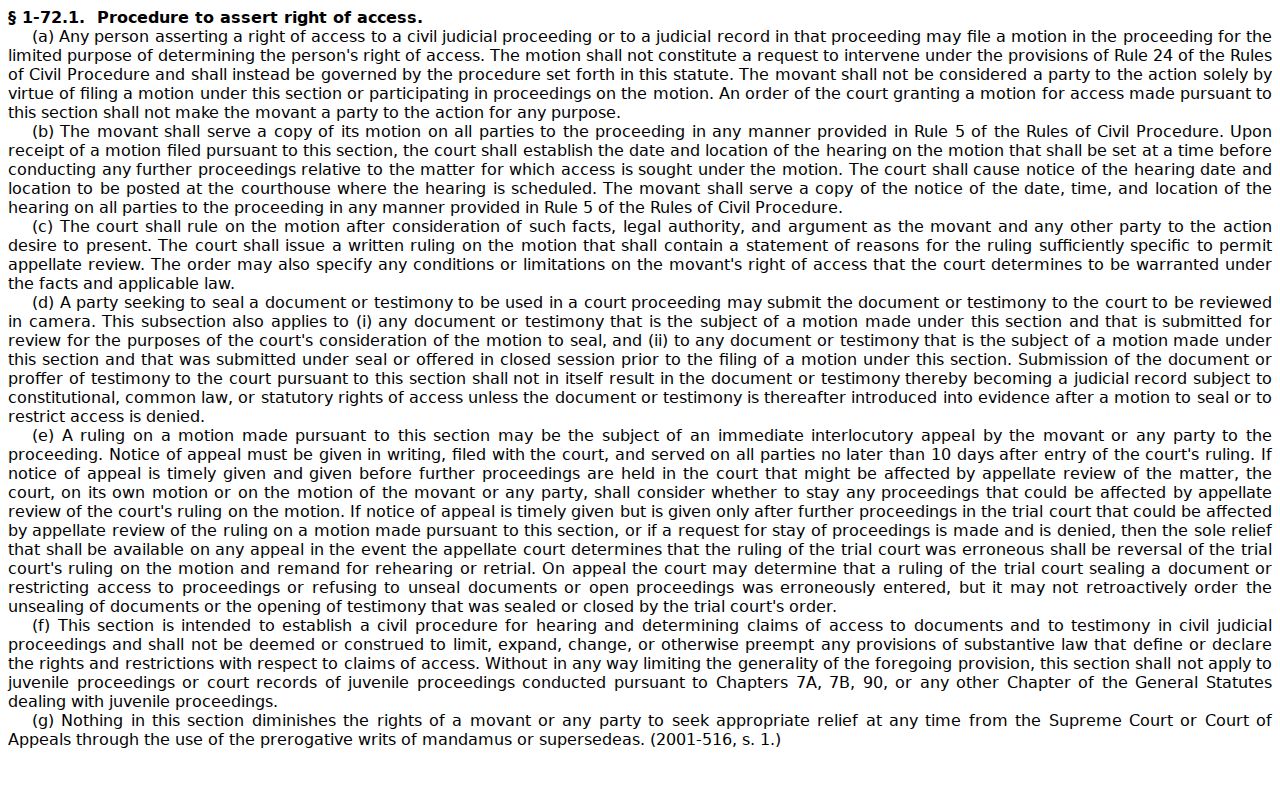
When access itself is the dispute, the access procedure in G.S. 1-72.1 applies. It sets out the official process for a motion asserting access to a civil judicial record.
A document may be missing from Portal. That does not mean a security setting erased the Granville County case. Give the clerk the case number and a description of the document instead.
Clerk copy fees are set by statute. G.S. 7A-308 lists $2 for the first page of each document. Each additional page costs $0.25. A certificate under seal costs $3, and an exemplification runs $10. Confirm the request with the Granville County clerk before you send any payment.
Granville Civil Terminal Access
Public terminals in the clerk's office give Granville County searchers an in-person civil docket fallback. State guidance allows civil, special-proceeding, and estate information on self-service terminals in a clerk office in any county. The file itself is different. Inspection happens at the clerk office in the county where the case is held. That puts a Granville County file at the Granville County counter.
The eCourts public-access kiosk guide describes what the terminals offer. That includes Portal access, printing, and scanning. It names no specific terminal count in Granville County. It also leaves out staff-assisted help and access to records that law or security settings restrict.
Note: Granville County public terminals are a search fallback, not a substitute for the clerk's certified record.
Public Access to Civil Dockets
Granville County civil dockets stay open for public inspection at the clerk's office during regular hours unless a law closes access. Portal adds a remote layer on top. Terminals in a clerk office add an in-person one. The underlying case file sits with the Granville County clerk. NCAOC public-record requests cover only records NCAOC itself holds, so they never make NCAOC the custodian of a Granville County court-file document.
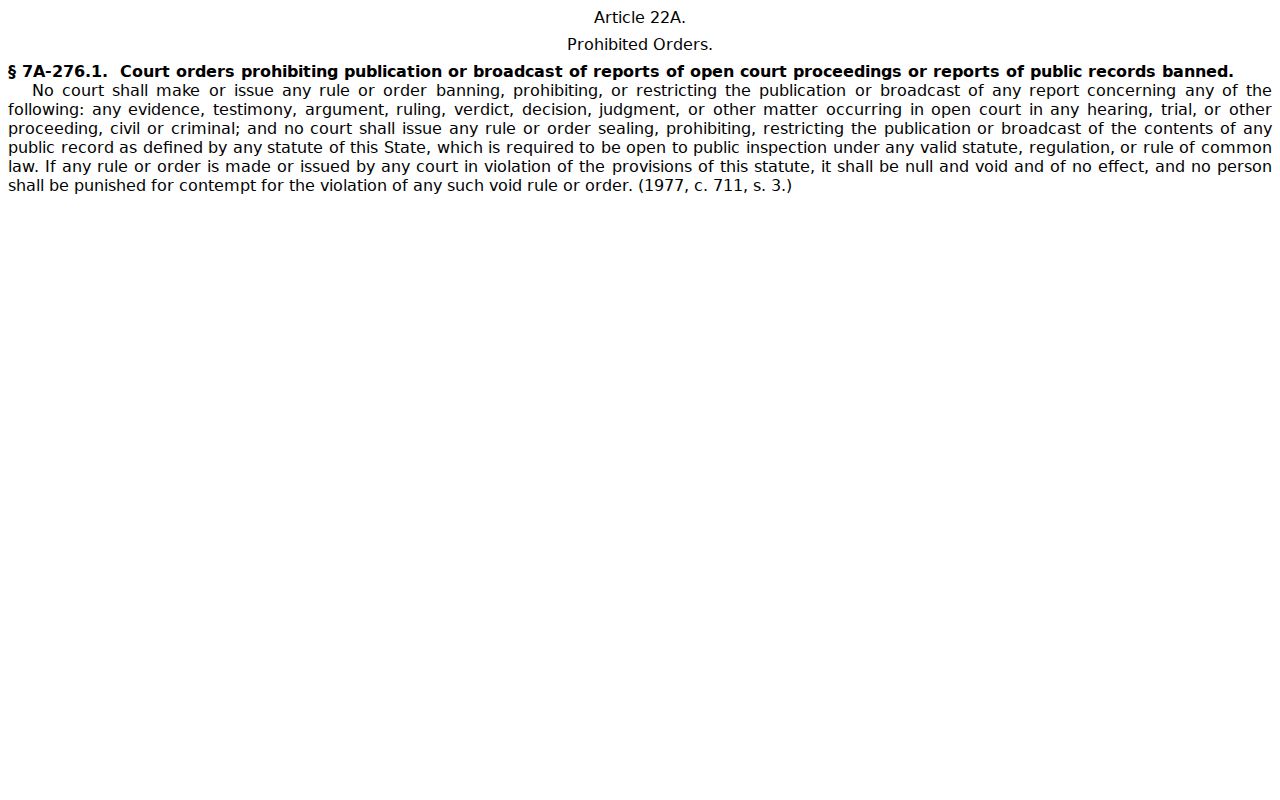
At the state level, the Judicial Branch's open-proceedings and public-records authority lays out the access rules. Those rules frame the Granville County civil docket.
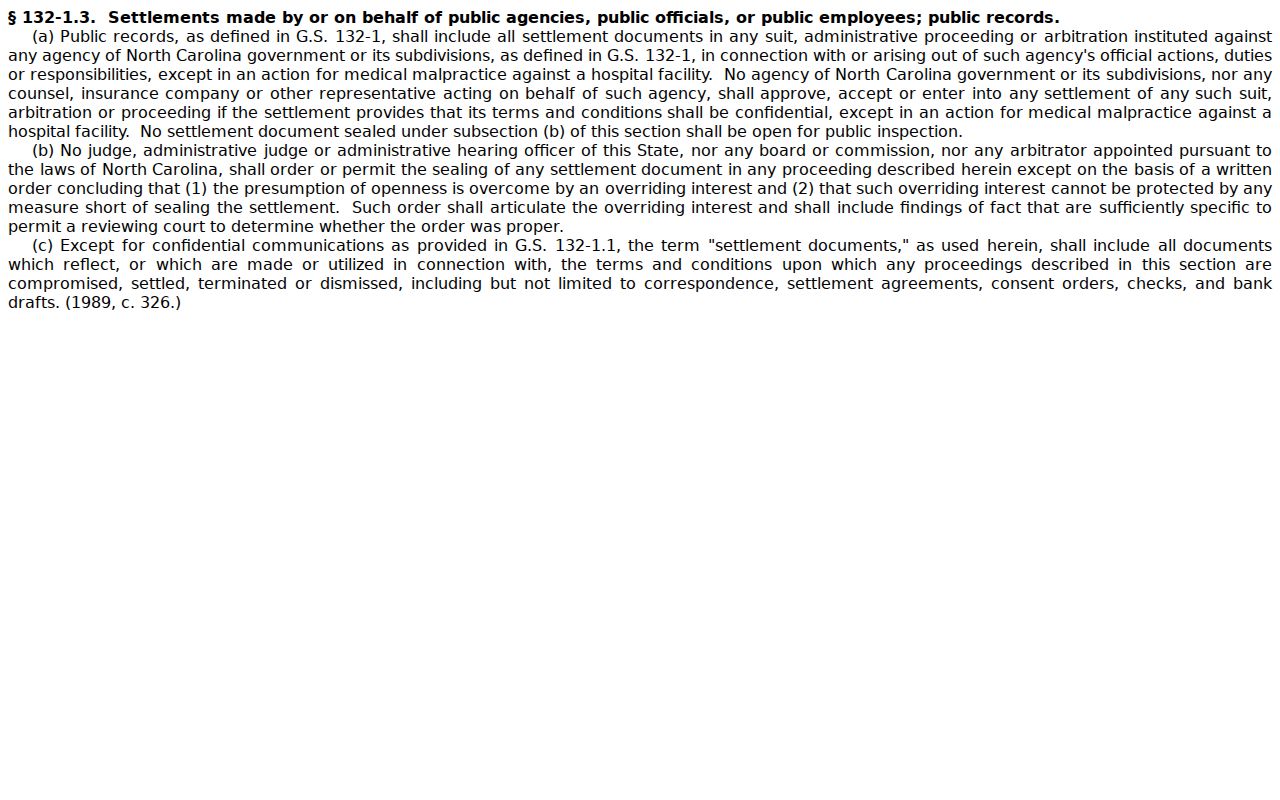
Granville County public access has limits. Sealed files can restrict a search. So can confidential material, legally protected personal data, and document-security rules, each limiting what a Granville County civil docket search returns or what a document display shows. The General Assembly has written these limits into law, including the authority to seal settlement records, so a Granville County court docket entry may be public while its underlying papers are not. The official statute text is available at the settlement-record sealing authority page.
Suppose a Granville County civil record will not show up publicly. Don't assume the case doesn't exist. Ask the clerk which record channel applies instead of reading meaning into a missing online result.